Your route. Without a signal.
Download your area before you leave. Search places, calculate routes, and follow spoken directions without cellular data or Wi-Fi.
Free download. Offline Maps is $14.99/year and includes Pro while subscribed.
More than a saved map image
Inside complete downloaded coverage, FlockAware can search downloaded places, calculate and compare routes, reroute, and give voice guidance with supported mapped-awareness alerts. Saved destinations stay on your phone. Offline trips are not sent to our online search or routing services.
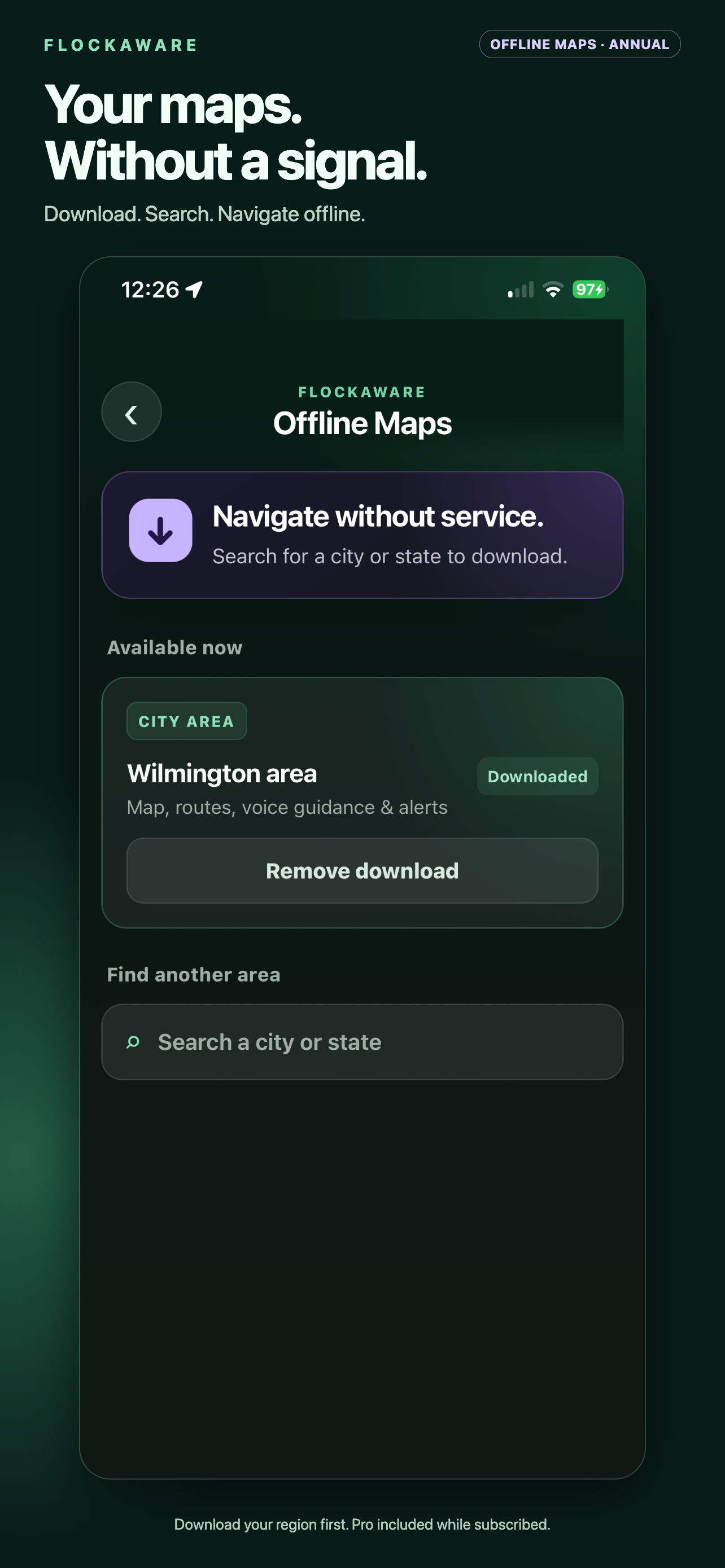
Try your first offline trip
- Install FlockAware, then open Settings → Explore Offline Maps.
- Subscribe and search for a supported U.S. city or state region. If it needs preparation, wait until it is ready to download.
- Download complete coverage for both your starting point and destination.
- While parked, turn on Airplane Mode and turn Wi-Fi off. Search a place inside the downloaded region, compare routes, then start navigation.
Know the limits before buying
Coverage, place-search results, file size, and preparation time vary. A downloaded city does not provide a route from an origin outside its routing coverage. Offline mode has no live traffic or live map updates.
Mapped cameras can be missing or out of date. The app does not detect hardware, guarantee a camera-free trip, or make a connected phone invisible to cellular networks.
The annual subscription renews unless canceled through Apple. An active subscription is required to request and download regions. Lifetime Pro alone does not include offline downloads.
Want watch areas without an annual plan?
Explore Lifetime Pro watch areas for $4.99 once, or try the free Flock camera map.